Crop a photo
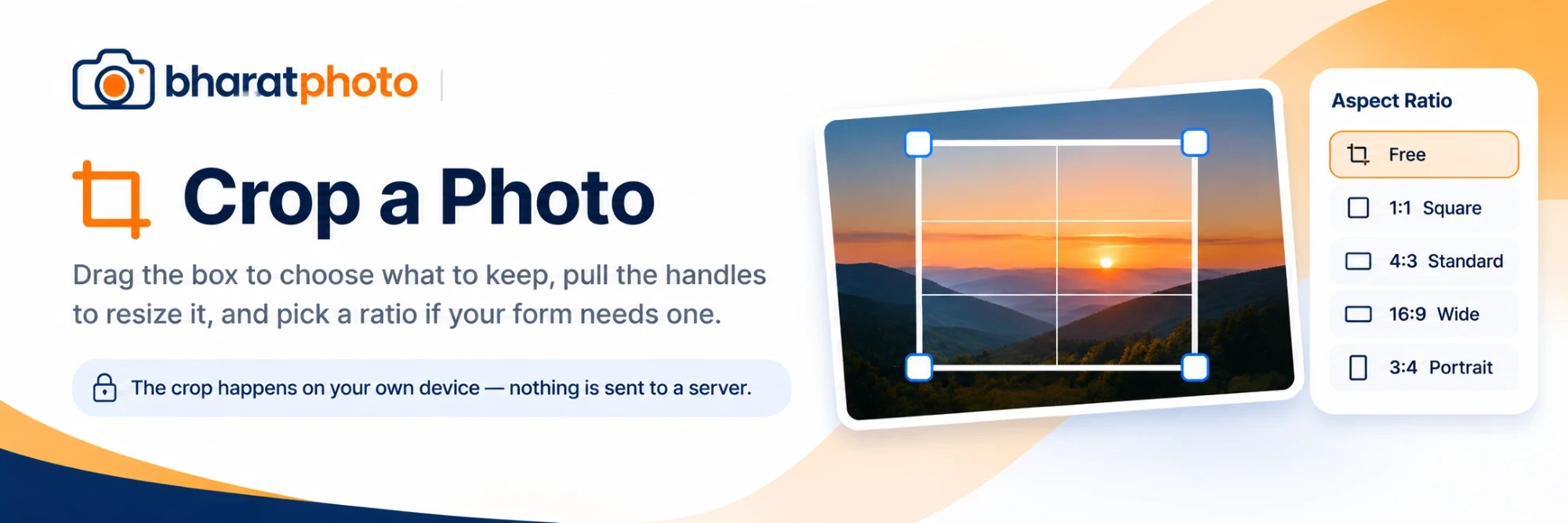
Cropping cuts part of the picture away to change what is in frame. If you want the whole picture at a new size instead, nothing lost, use the resize tool. Drag outside the box to start a fresh selection.
How to crop a photo
Add your photo
Tap the green button, drag a file in, or paste with Ctrl+V.
Drag the box
Move it over what you want to keep and pull the handles to resize.
Pick a ratio
Lock it to 1:1, passport or any other shape your form needs.
Download
The crop runs on your device and the file saves straight to it.
Crop questions
Is my photo uploaded anywhere?
No. The crop is done in your browser on a canvas. The photo never leaves your device, and location and camera data are dropped from the file you download.
Does cropping reduce the quality?
Cropping itself removes nothing from the part you keep. Quality only drops if you set an output size larger than the area you cropped, which stretches it, or if you set a very tight KB limit.
Can I keep a transparent background on a circle crop?
Yes, choose PNG. The area outside the circle stays transparent. JPG has no transparency, so those corners come out white instead.
What size should a passport photo be?
Indian passport and most exam forms use 3.5 × 4.5 cm, which is 413 × 531 pixels at 300 DPI. Always check the rules for the form you are filling, since sizes differ between bodies.