Convert an image to text
Best with printed text: a notice, a form, a book page, a screenshot. Shoot it square to the page and fill the frame, and most of it comes back clean enough to paste straight into an application.
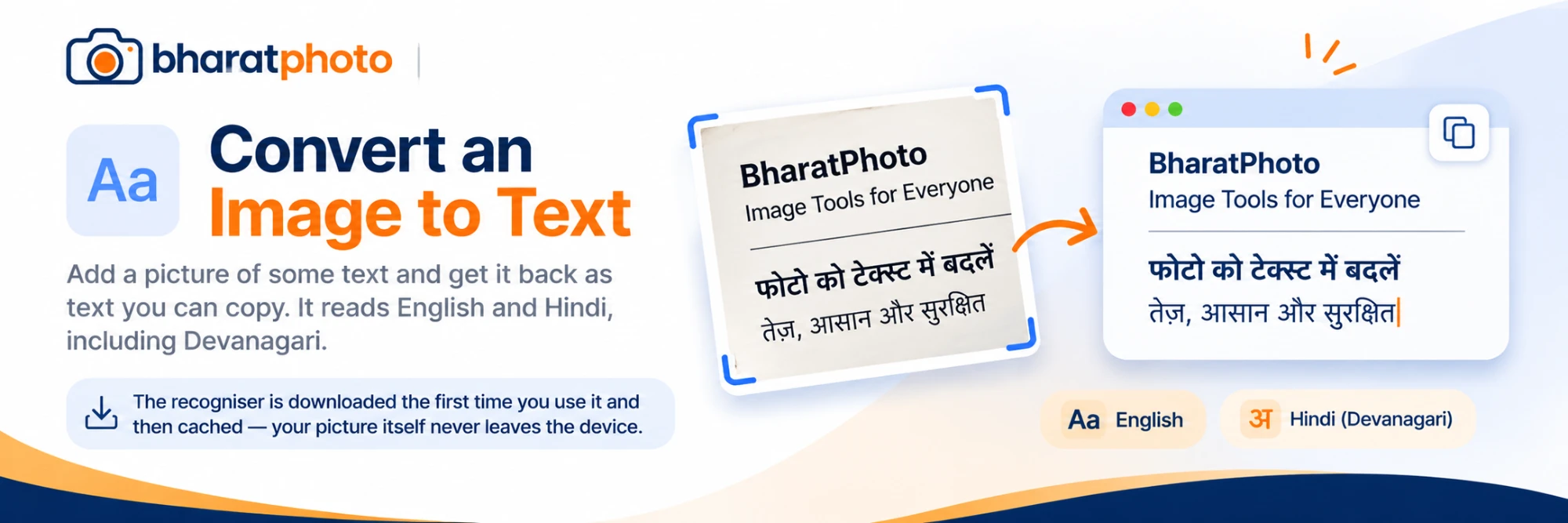
Where the work happens
Getting a better result
Hold the camera square to the page rather than at an angle, fill the frame with the text, and keep the lighting even. Printed text reads far better than handwriting — handwriting is recognised poorly by any offline engine. If a line comes out wrong, a sharper photo almost always fixes it.
How to convert an image to text
Add the picture
A photo, screenshot or scan of printed text.
Pick the language
English, Hindi, or both if the page mixes them.
Press extract
The first run downloads the recogniser; later runs start straight away.
Copy or download
Edit the text in the box, then copy it or save a .txt file.
Image to text questions
Is my image uploaded to a server?
No. The recogniser runs inside your browser as WebAssembly, so the picture is read from your device and stays there. Only the recogniser itself is downloaded, and your image is not part of that request.
Does it read Hindi?
Yes, including Devanagari script. Choose Hindi, or English + Hindi for a page that mixes the two. Mixed mode is slower because both language models load.
Why is the first run slow?
The recogniser and language model have to download — roughly 1.9 MB for English and 0.9 MB for Hindi, plus the engine. Your browser caches them, so every run after the first starts immediately.
Can it read handwriting?
Not reliably. Tesseract is built for printed text, and handwriting comes out poorly. For a handwritten declaration on an exam form, type it out rather than trusting a scan.
Why is some text wrong?
Accuracy depends on the photo. Shoot square to the page rather than at an angle, fill the frame, and use even light. Low resolution, shadow and skew are the usual causes of errors.